Practise the whole examination
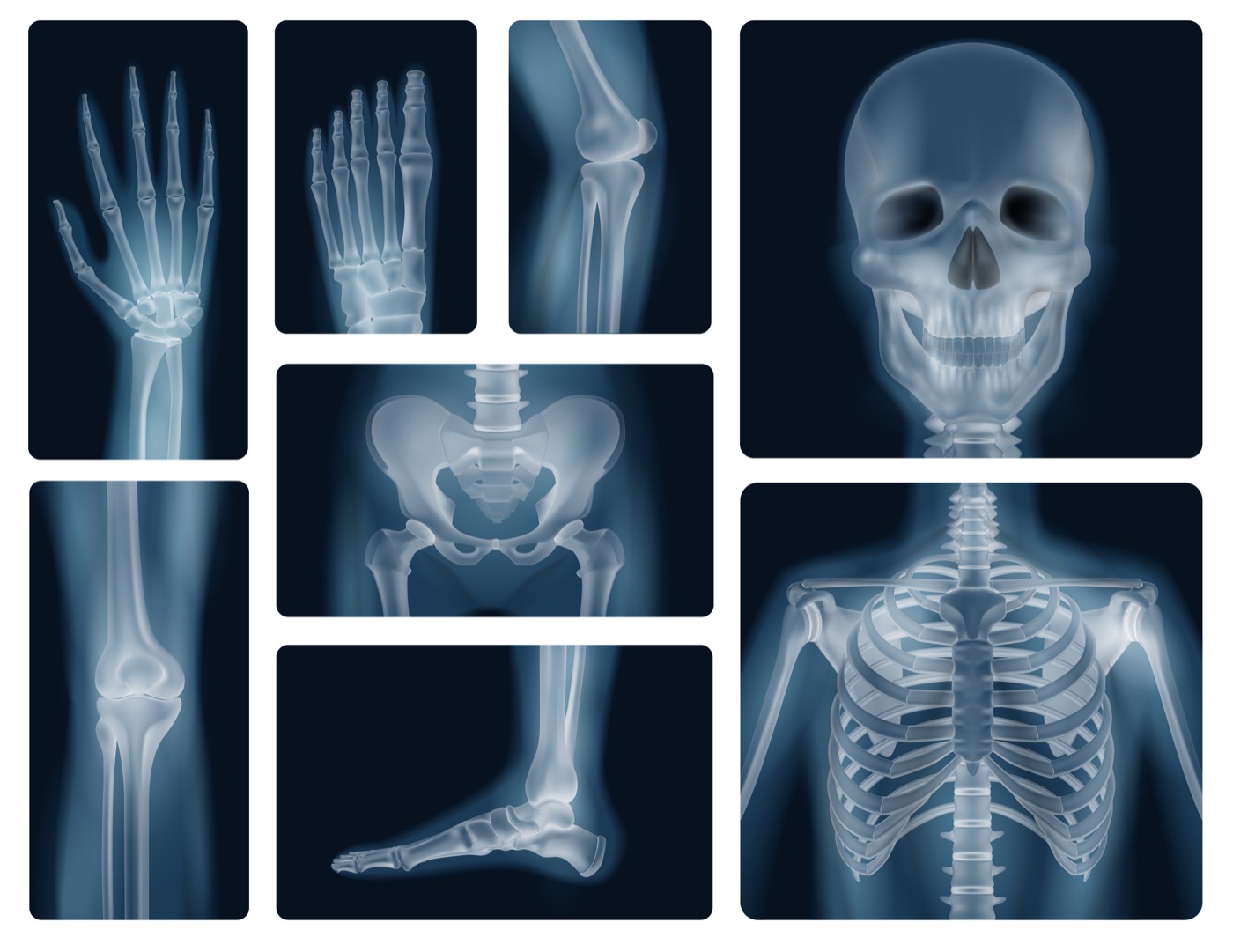
A student selects a body region and projection, positions the patient and the tube, sets collimation and distance, chooses kVp and mAs and takes the exposure. The resulting image is saved with every setting used, so the student and their instructor can review the technique afterwards.
- Tube distance, rotation, angulation and collimation
- Exposure factors: kVp, mAs, mA and exposure time
- Grid use, automatic exposure control chambers and focal spot
- Dose area product recorded for every exposure
Why simulate radiography
Clinical placements are short, departments are busy and repeat exposures on real patients are not acceptable. Simulation gives every student unlimited attempts at every projection, including the ones they may rarely see on placement.
Instructors can set a projection as a task, see each student's submitted image and settings, and grade it from the web platform.
Common questions
- Can students practise X-ray positioning without radiation?
- Yes. Davak Medical VR simulates the X-ray room, patient, tube and detector, so students practise positioning and exposure selection with no radiation at all.
- How many radiographic projections are included?
- More than 130 specialised projections covering all 206 bones of the human skeleton, across 60+ simulated X-ray rooms.
- Can instructors see what settings a student used?
- Yes. Each captured image is saved with the exposure factors and equipment settings the student chose, and instructors can review and grade submissions from the web platform.